

Loop and Patterns start consuming Braintrust credits on December 7, 2026.
Enable Patterns
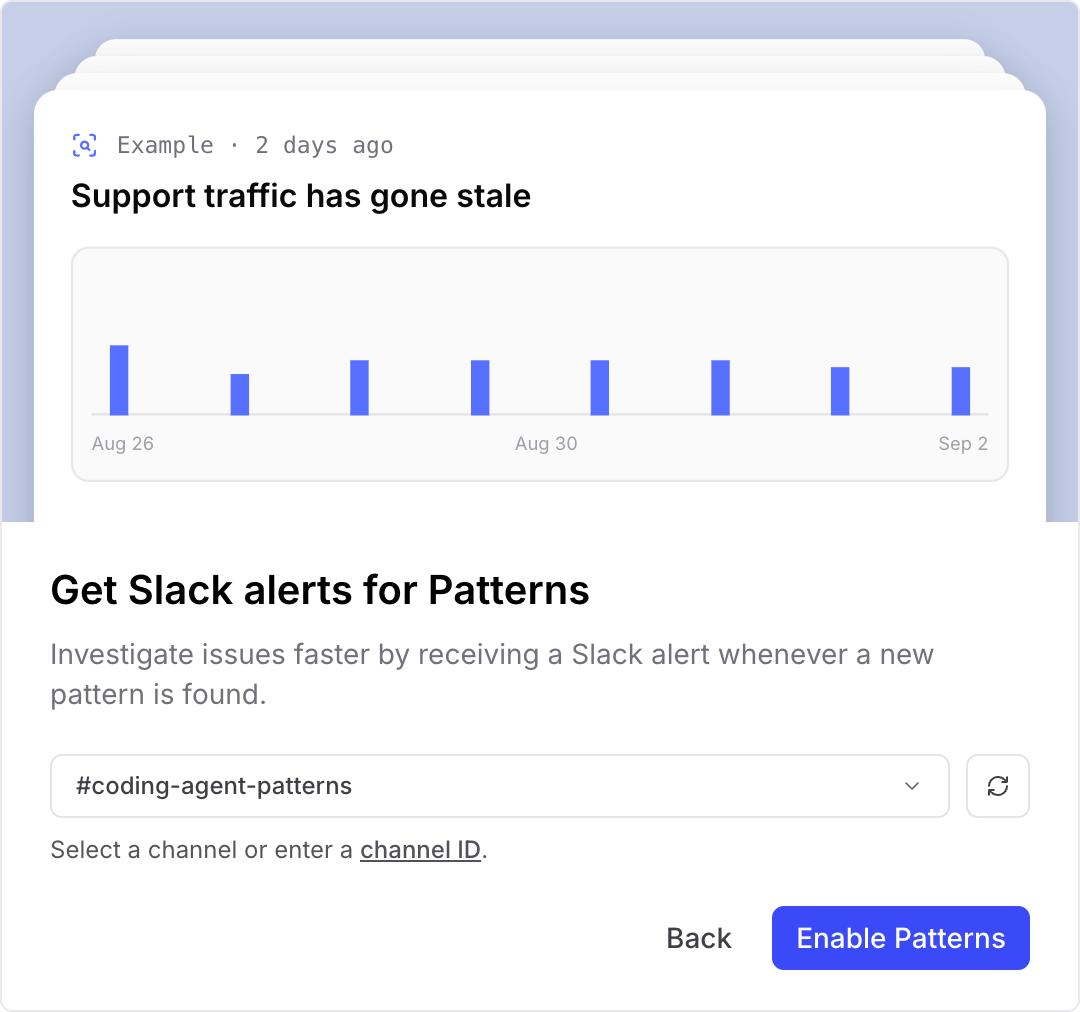
Go to Patterns, click Continue and then Enable Patterns. Optionally set up Slack alerting.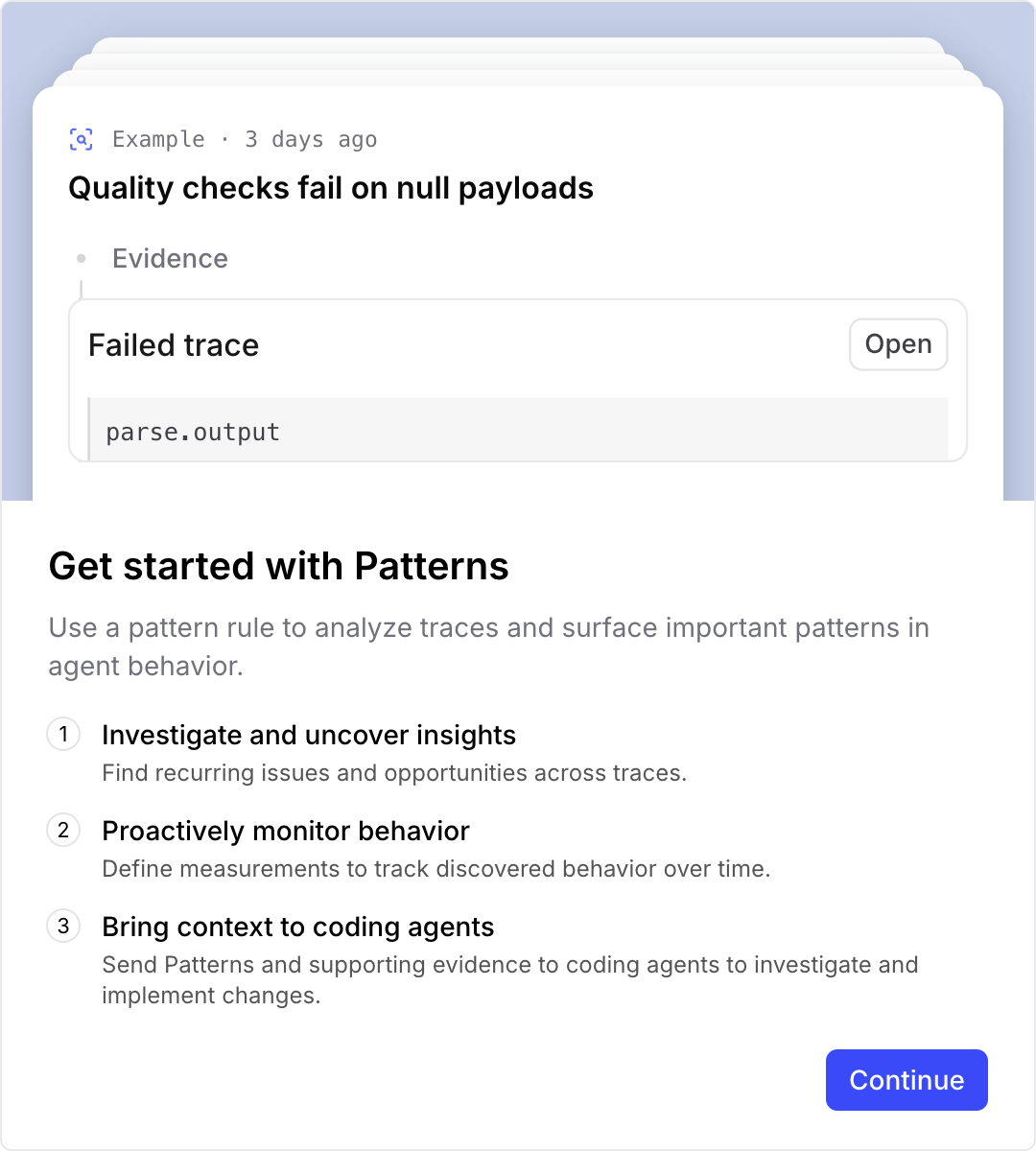
Browse Patterns
The Patterns list shows each finding’s severity, summary, categories, and when the behavior was first and last seen. Counts show how many users, sessions, or traces are affected, when measured. Use Group by to organize findings and Display > Columns to choose what appears.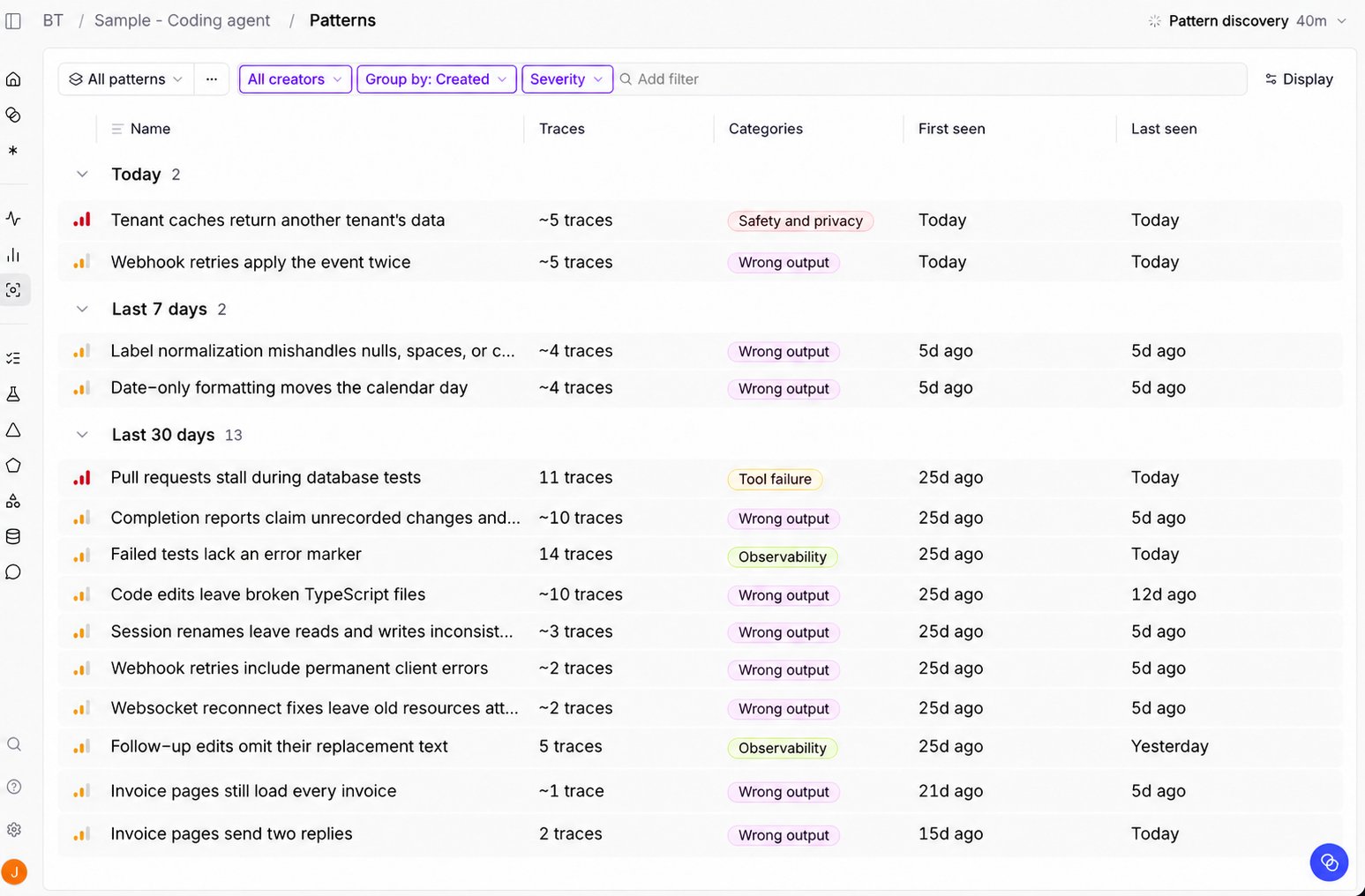
Choose a problem to fix
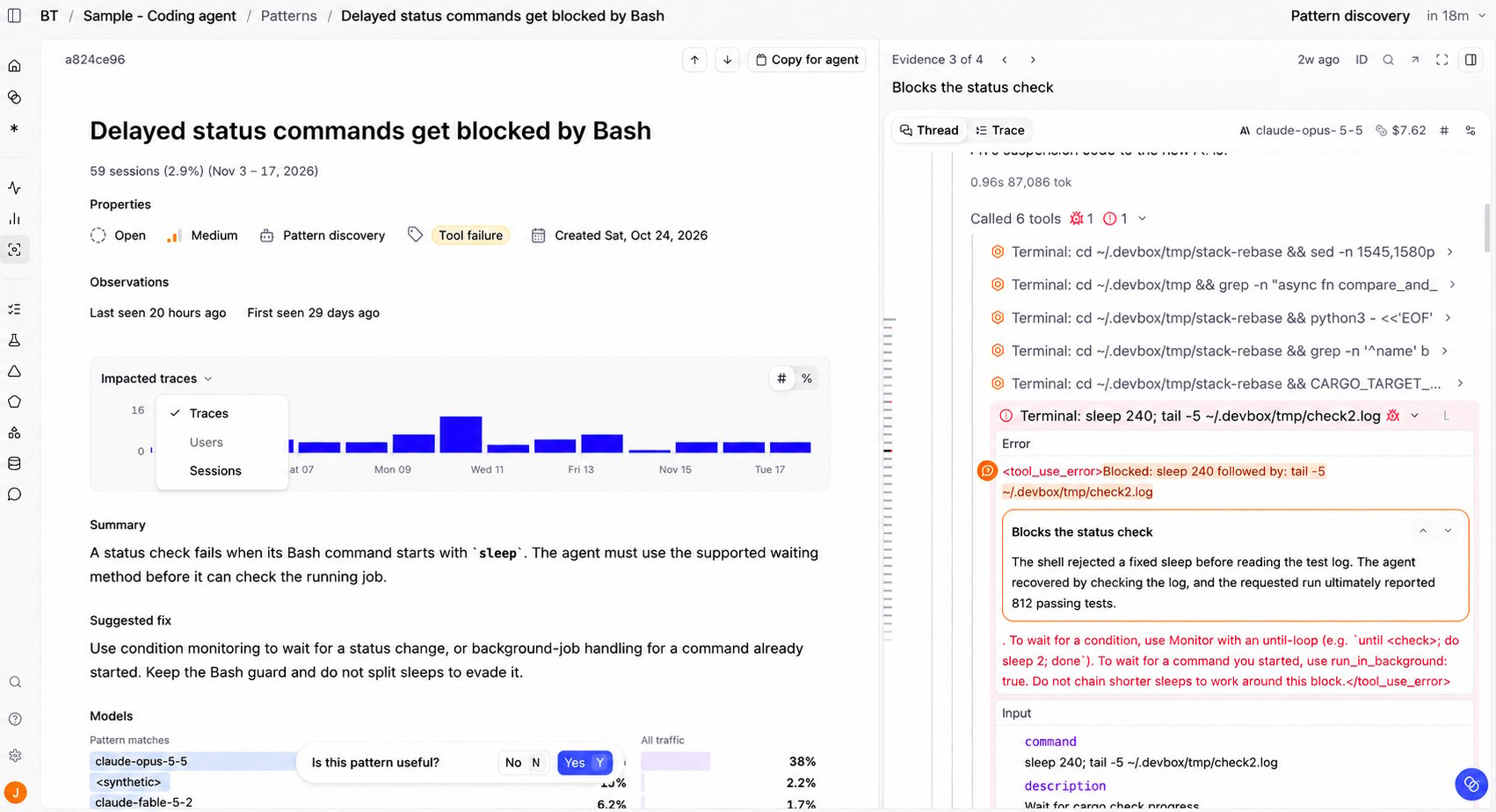
Choose a pattern based on its severity, how often it occurs, and who it affects. Open it to review:- Summary: Understand what went wrong and who it affects.
- Evidence: Check example traces to confirm the problem. When code evidence is available, use the Code tab to review cited files and Loop’s explanation of how they relate to the finding.
- Suggested fix: Review the recommended change or further investigation.
Troubleshoot
No useful patterns yet?
No useful patterns yet?
If no useful pattern appears, open a trace of a failure you’ve observed. Give its link to Loop or your coding agent with this prompt:Run in LoopReview the evidence, then use the investigation summary and trace links in place of a pattern brief in Verify fixes with evals.
Patterns asks you to choose or add an AI provider?
Patterns asks you to choose or add an AI provider?
If prompted to choose a provider, select one for discovery runs. If setup shows Add provider, configure a compatible AI provider or check whether your organization meets the built-in model requirements. See Provider troubleshooting for details.
Next steps
Verify fixes with evals
Turn a finding into an eval and verify a fix.